On this page
Ask any AI recorder “who said what?” and you're asking about speaker diarization — the software layer that segments a transcript by speaker. It's marketed as a solved problem (“speaker labels included!”) and experienced as anything but. It is the single most common accuracy complaint we found from real owners.
The plain-English version: diarization software listens for changes in voice characteristics — pitch, timbre, rhythm — clusters similar stretches of audio, and labels the clusters. When two voices are distinct and close to the microphone, it works well. When speakers are distant, talk over each other, or simply sound alike, the clusters smear — and your transcript attributes the CFO's budget numbers to the intern.
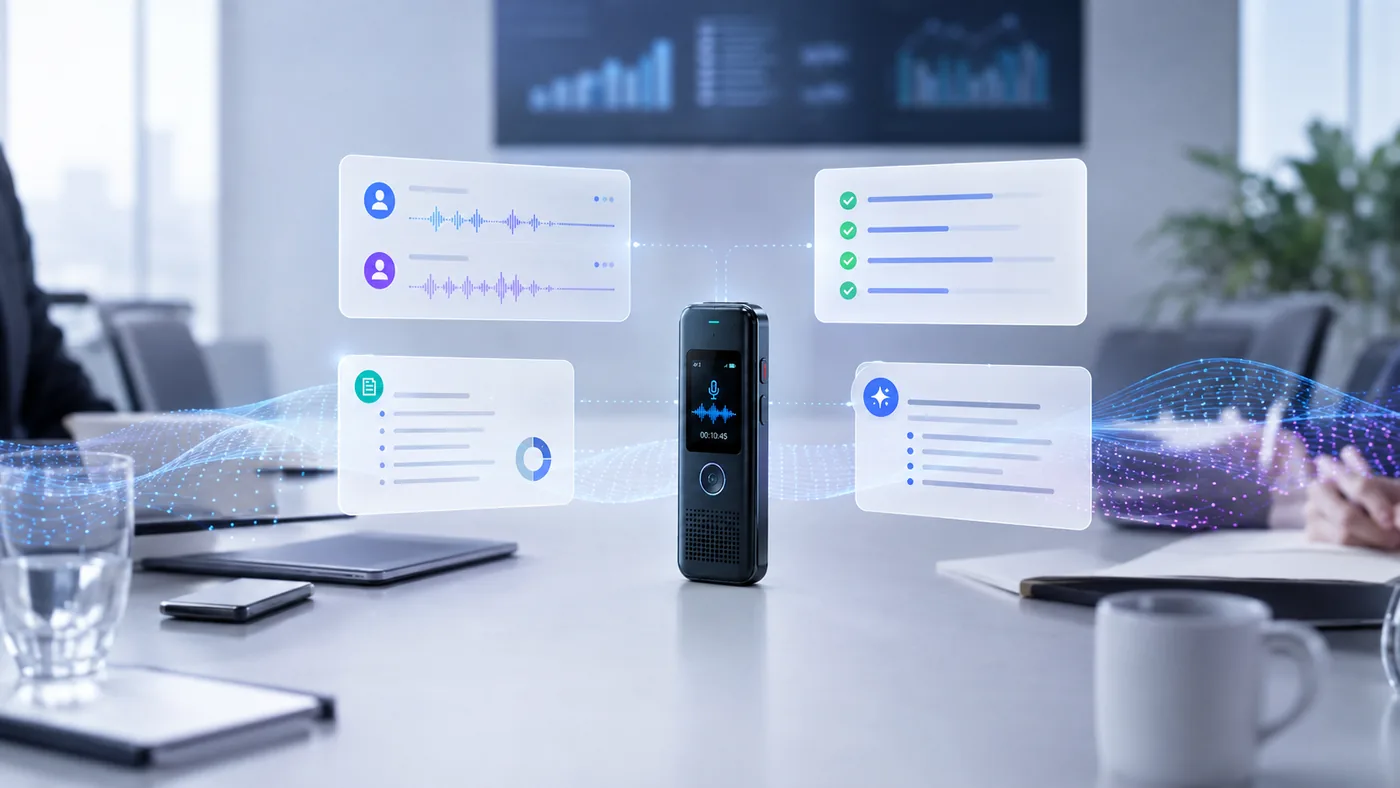 Speaker identification
The short answer
Diarization quality is decided before the AI: mic distance and room acoustics
Better mics: PLAUD Note Pro: 2× capture range via upgraded mic array [SPEC]
Paid tiers: Pocket reserves auto speaker-naming for its premium plan [SPEC]
Manual naming: Rename 'Speaker 1' once; the app re-applies it — imperfectly
Check first: Speaker separation is a top dealbreaker question in buying threads
The mechanism
How diarization works, minus the math
After transcription (the what), diarization answers the who. Modern systems run roughly four steps:
01Detect voice changes
The software scans the audio for boundaries — points where one voice stops and another starts.
02Fingerprint each segment
Each stretch of speech gets a numeric 'voiceprint' summarizing its pitch, timbre, and speaking style — characteristics that differ between people.
03Cluster similar voices
Segments with similar fingerprints get grouped as the same speaker. This is where distance and reverb do their damage: the same person sounds different from 4 meters away, so their segments fail to group.
04Label the clusters
Groups become 'Speaker 1,' 'Speaker 2'… which you rename to real names in the app. Some services then remember voices across future recordings — with mixed success, per owner reports.
Notice what's missing from that pipeline: understanding. Diarization never knows meaning — it can't use the fact that only the doctor asks medical questions and only the patient answers them. It's pure pattern matching on sound, which is exactly why the failure modes below are all acoustic problems, not comprehension problems. For the full pipeline context, see how AI voice recorders work.
The honest part
The four failure modes
Every diarization failure we found — in owner threads, reviews, and support docs — falls into one of these buckets:
| Spec | Failure mode | What happens | The acoustic reason |
|---|---|---|---|
| Distance | Speakers merge into one label, or fragment into three | Far voices lose the high-frequency detail that distinguishes them; reverberation blurs voiceprints | |
| Crosstalk | Overlapping speech gets attributed to whoever was louder | Two voices in one segment produce a garbled fingerprint that matches neither | |
| Similar voices | Colleagues with similar pitch trade quotes silently | Voiceprints genuinely overlap between people — siblings and same-gendered teammates especially | |
| Room reverb | The same speaker splits across multiple labels in a glass-walled room | Echoes alter the recorded timbre enough to break cluster consistency |
The one non-acoustic factor: model quality. Cloud transcription services currently diarize better than on-device models — larger training data, more compute per recording. That's covered in local vs cloud transcription, and it's the one argument for the cloud branch that privacy alone can't answer.
Evidence
What owners actually report
We don't do hands-on testing, so we go to owners who did the testing for free. The pattern in PLAUD communities is consistent and worth reading before you buy any device — the complaints are about the category, not one brand:
“6 Months Later and I still haven't figured it out…”
- Speaker labels wrong “even after manual identification” — renaming Speaker 1 doesn't always stick or propagate [OWNER — r/PlaudNoteUsers].
- Phantom quotes in AI-generated summaries — a separate but related failure: the diarizer mis-attributes, then the summary model confidently paraphrases the wrong speaker [OWNER].
- In buying threads, speaker separation is a recurring dealbreaker question: “Is there a solid choice of AI note taker for in person meetings that can distinguish between different speakers?” [OWNER — r/AI_Agents].
What works
Five things that genuinely help
01Close the distance
Every meter of distance degrades both transcription and diarization. A wearable on your collar, or a card recorder centered on a small table, beats a phone at the room's edge.
02Buy more microphone when you can't close the distance
The PLAUD Note Pro's upgraded mic array claims roughly 2× the capture range of the base Note [SPEC] — that's a diarization upgrade as much as an accuracy one. For halls, iFLYTEK's handhelds and their directional mics are the traditional answer [REVIEW — r/NoteTaking].
03Introduce speakers at the start
Thirty seconds of 'I'm Alex, and this is Sam' gives you an audio reference to check labels against — and if the app supports it, a chance to name speakers while voices are clean and isolated.
04Reduce crosstalk deliberately
Facilitate turn-taking in meetings you lead. Overlap is the hardest failure mode for any system, cloud included.
05Fix labels immediately, and re-check after summarizing
Rename generic labels as soon as a recording lands, then skim the summary against the transcript — that's where phantom quotes surface.
Choosing a device with speaker separation in mind? The comparison tool shows diarization support side by side, and the meetings guide weighs it against battery, placement, and cost for multi-speaker rooms.
FAQ