On this page
Best AI Recorders for Seniors in 2026: Simple Devices, Honest Trade-offs
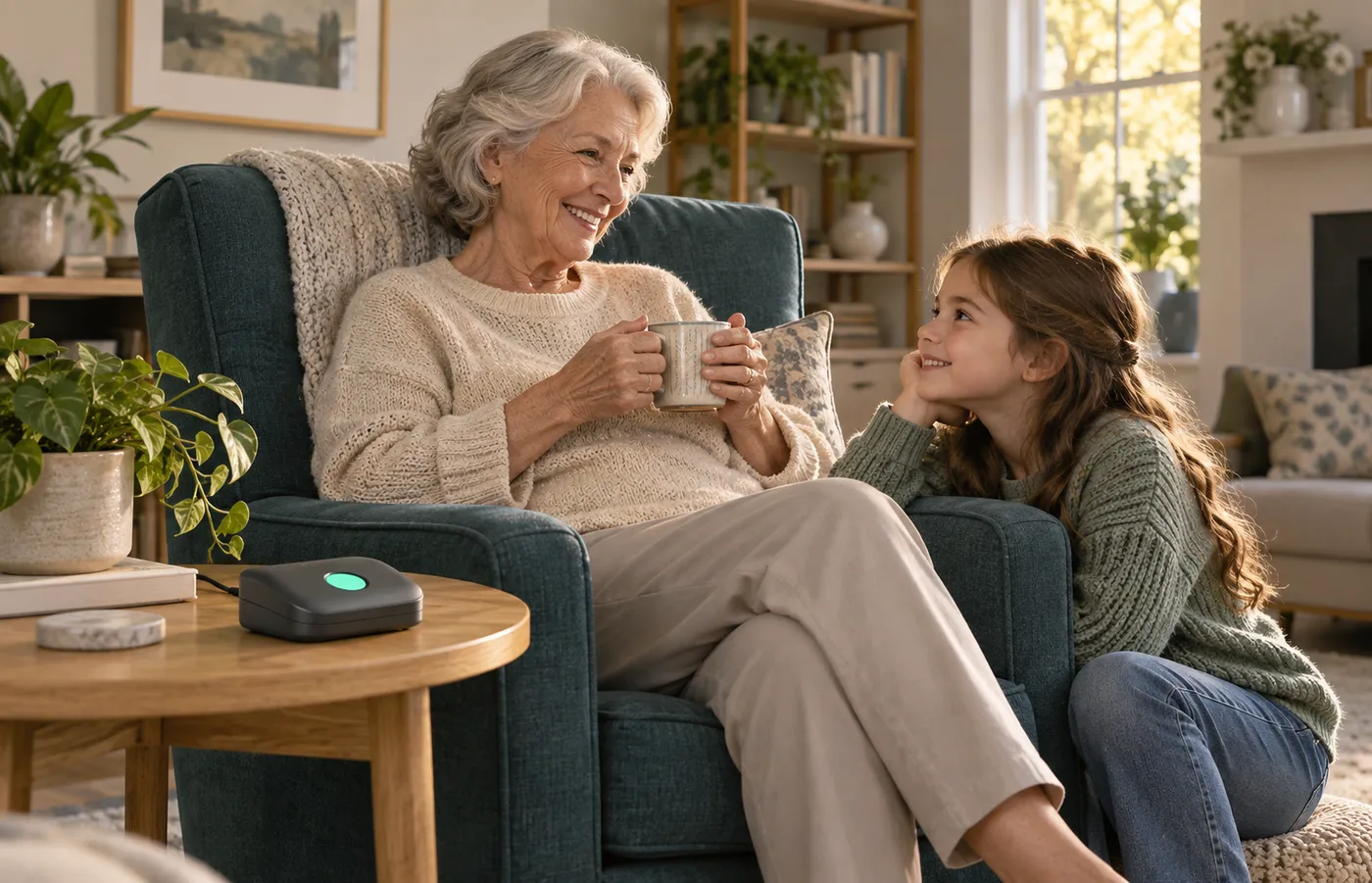
An AI recorder can be a useful daily tool for a senior who wants a faithful record of conversations — doctor visits, family calls, contractor walkthroughs — or a drawer-weight gadget with a monthly bill. The difference is rarely the microphone; it's setup friction and plan structure.
One lane check: if you're shopping for a parent or grandparent as a gift, our AI recorder gift guide ranks recipients for that job. Here the senior is the decision-maker, budget-holder, and the person who lives with the app — we keep the lanes separate on purpose.
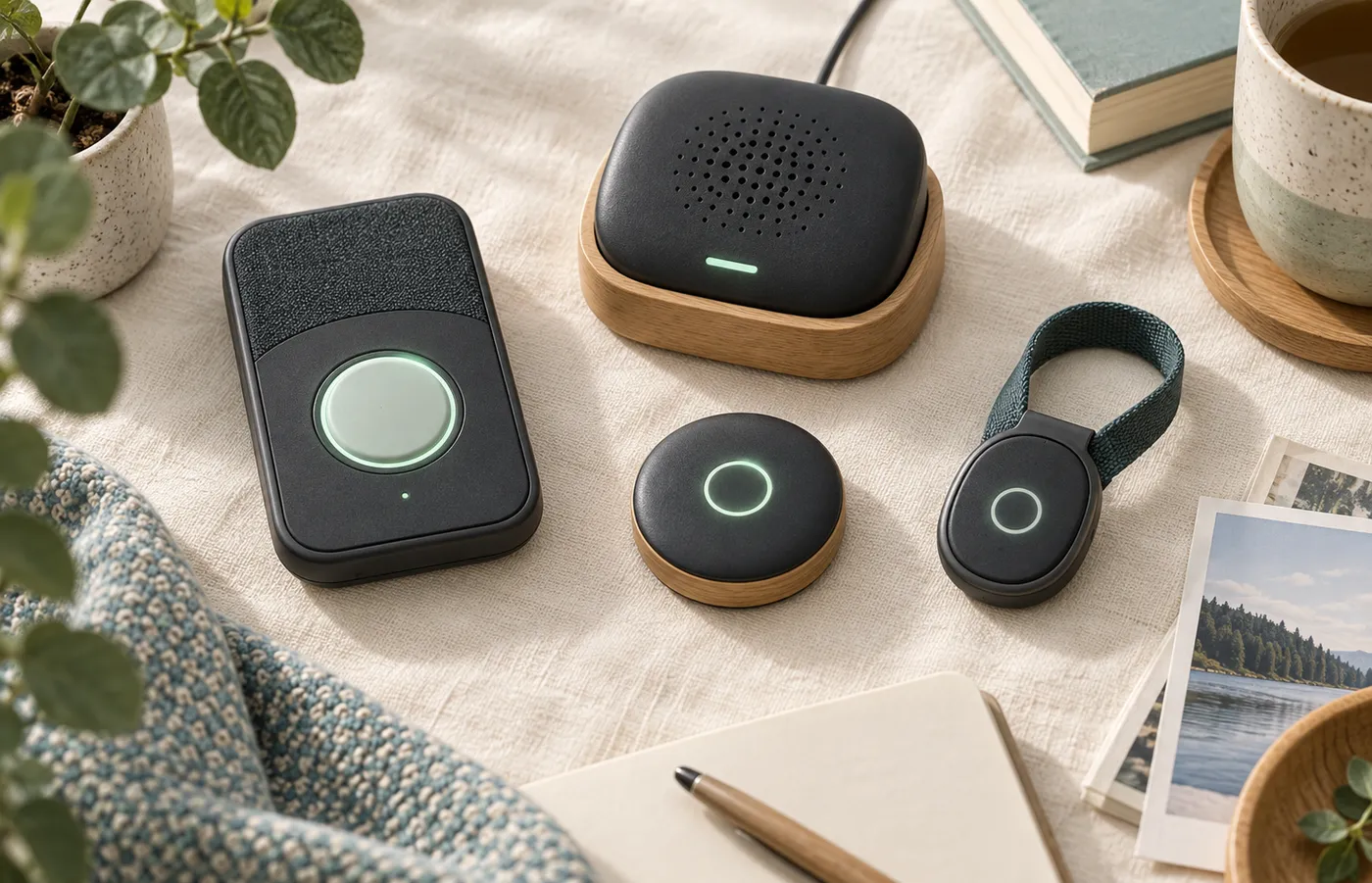
The short version: Pocket leads — its maker claims unlimited standard-accuracy transcription included, no monthly decision, in a wallet-card form with a small display. HiDock P1 includes unlimited transcription in 75+ languages for a one-time purchase. soundcore Work is the budget coin-sized option. PLAUD NotePin earns a spot for hands-free capture, with caveats.
Method: we haven't hands-on-tested these devices; we compared published specifications, owner reports, and plan structures, labeling maker figures as claims. Prices are absent by design — our 3-year cost study runs the math.
The short version
How we matched: accessibility-angled criteria
We ranked for low friction, not wishlist specs — and called no device "too complicated" without evidence. Four criteria decided every match, none mentioning age: the question is never "can a senior work this?" but "how many steps stand between this person and a transcript?"
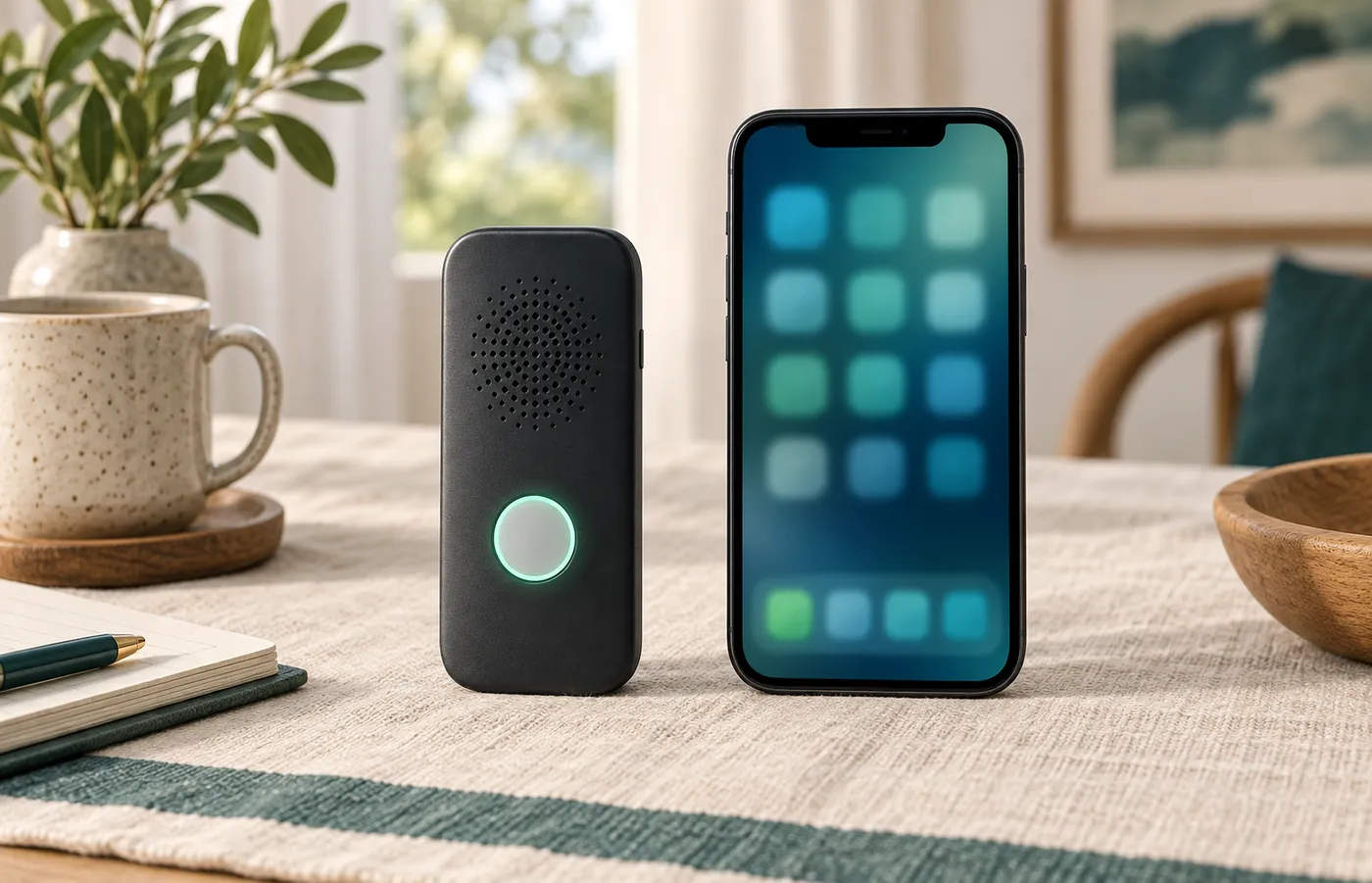
Steps from box to first transcript. Every device needs one-time setup: charge, app install, account, pairing, firmware. Pairing is the category's dominant support problem — our setup and troubleshooting guide documents it, including Android's location-permission requirement. Devices minimizing phone dependence afterward scored higher.
Status you can see without the app. A recorder you can glance at removes the most common reason devices get abandoned: uncertainty. We credit only verifiable readouts.
Plan structure that survives a fixed budget. Metered transcription turns a recorder into a monthly decision; on a fixed income, a free tier that doesn't run out removes that worry. We weighted included-unlimited plans heavily and flagged every meter.
Transcripts that can leave the app. A recording you can't share benefits only you; we checked each maker's published export paths.
The details
The picks, ranked for senior users
1. Pocket — the no-meter card with a readout
Pocket's pitch matters most here: the maker claims unlimited standard-accuracy transcription included, with an optional higher-accuracy tier. If the claim holds at checkout, there is no meter and no monthly decision.
The hardware keeps friction low: a wallet-card recorder with 64 GB of storage per the maker's materials, coverage we track reporting up to four days of battery per charge, and — rare in this market — a small display showing live status without the app.
Two honest flags: the maker's own pages have disagreed about what the free tier includes, and an owner thread titled "Avoid Pocket, I guess" circulates — our PLAUD vs Pocket breakdown has the history, so verify the unlimited terms at checkout. It's also a young brand; treat the promise as a claim. Its Amazon listing stood at 4.5 stars across 112 ratings in September 2026.
2. HiDock P1 — unlimited transcription included, one-touch controls
The HiDock P1 is a card-plus-dock recorder whose plan matches Pocket's: unlimited AI transcription in 75+ languages included for the life of the device — one purchase, no meter, no renewal. Its maker states recordings stay on 64 GB of local storage, not auto-uploaded — you choose what syncs.
The senior-relevant part is the controls: HiDock's product page describes one-touch operation — start, mute, highlight, or stop with a single touch on its touch-control cable — and standalone Room and Whisper modes without a phone. Trade-offs from our HiDock P1 review: a smaller brand than PLAUD or Anker, an undocumented export surface, and an 18-month warranty applying fully only to maker-site purchases — third-party terms vary.
The honest note: its Amazon listing stood at 4.0 stars across 133 ratings in September 2026 — solid, not stellar.
3. soundcore Work — the coin-sized budget option
The soundcore Work is the smallest device here — coin-sized, 10 grams, IPX4 splash-proof — from Anker's soundcore line, among the most established audio brands in the field. For a senior who wants a recorder that disappears into a pocket, the form factor is the argument. It's MFi-certified for iPhone; the maker advertises 150+ languages.
The numbers: about eight hours on a charge, up to 32 with the charging case, with 64 GB of storage (roughly 250 hours of audio). The caveat is the plan: 300 free transcription minutes monthly, then paid plans. Light use may never exhaust that; heavier capture makes the meter matter — our soundcore Work vs PLAUD Note comparison shows what upgrading buys. Its Amazon listing stood at 4.0 stars across 437 ratings in September 2026.
4. PLAUD NotePin — hands-free capture, with honest caveats
The NotePin is a 16.6-gram wearable puck — pin, necklace, wristband, or clip. Its value is the same that makes it our working-parent pick elsewhere: one-button capture while it's already on your body — no reaching or phone handling mid-conversation. PLAUD advertises up to 20 hours of continuous recording, roughly 40 days of standby, 64 GB of storage, and 112-language transcription.
The caveats are structural: no screen — status, playback, and transcripts live in the phone app, making it the most app-dependent device here. Its plan is metered: 300 free transcription minutes monthly, then PLAUD's paid tiers. Owner consensus is blunt that PLAUD's card is easier to start recording with; the pin wins only when genuinely worn. Its Amazon listing stood at 4.3 stars across 1,341 ratings in September 2026. For the full card-versus-wearable decision, see our full NotePin coverage in the PLAUD Note vs NotePin comparison; our wearable guide covers the rivals.
Going deeper
The doctor-appointment pattern
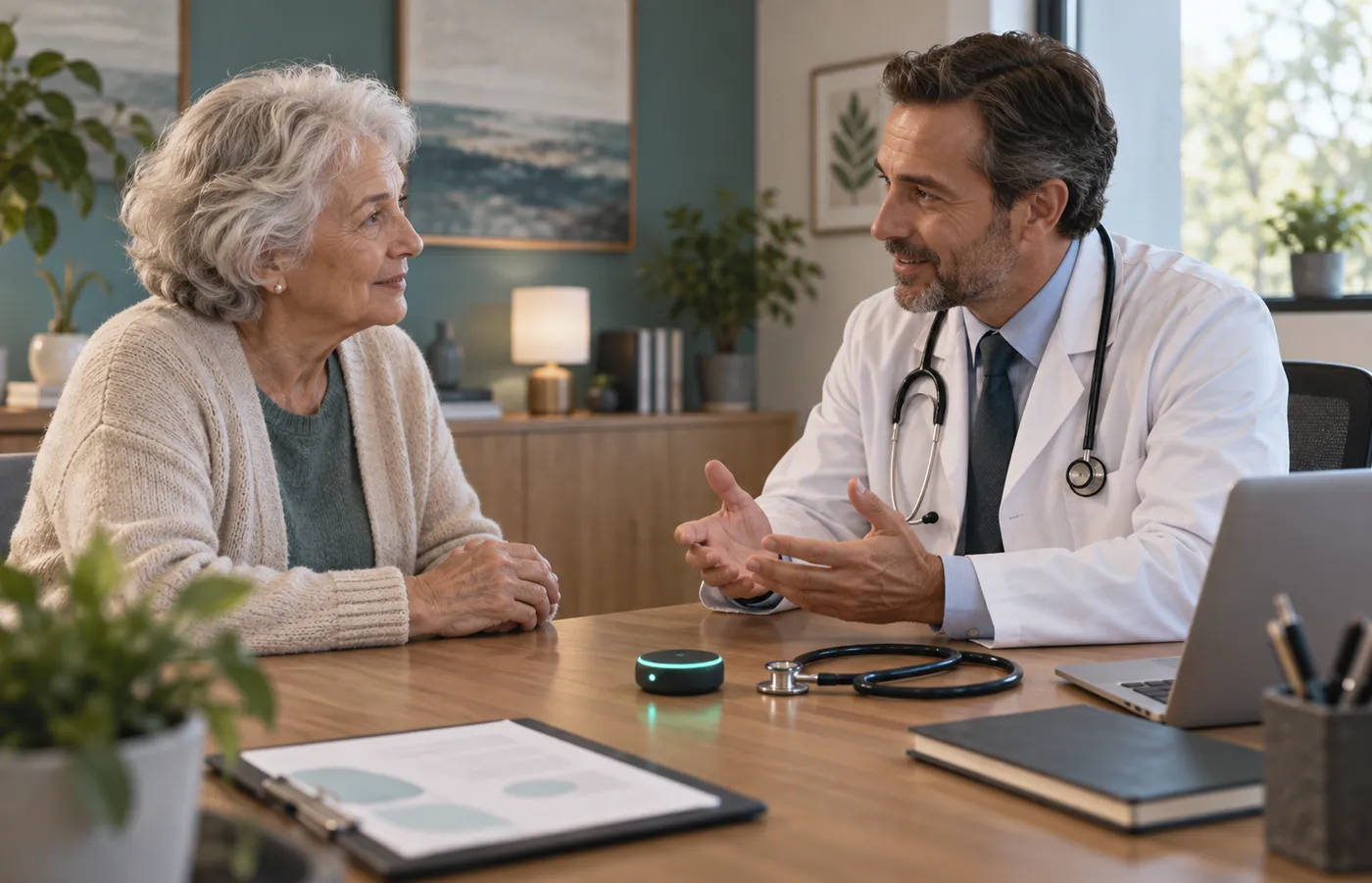
Across the owner communities we track, medical appointments are among the most commonly described personal uses for AI recorders. A medical conversation is fast, dense with unfamiliar terms, and impossible to re-ask after you leave the room. A transcript lets you re-read at your own pace and loop in family with exact words rather than a paraphrase from memory.
One obligation comes attached — and it's yours, not the device's. Most US states follow one-party consent for in-person recording, but roughly a dozen require everyone present to consent. The practical habit is also the easy one: tell the office you'd like to record and get a yes — most practices accommodate it. Our recording consent laws guide maps the state split; our privacy guide covers where each brand's audio travels.
Practical guidance
Sharing transcripts with family
A transcript's second life often matters more than its first: the appointment summary a daughter reads in another state, the contractor's quote a son needs. Every device here can produce that artifact; they differ in how easily it leaves the app.
The published picture, per our data-export guide: PLAUD's family has the deepest export surface we track — Notion, Zapier, and Dropbox integrations plus app-based export. soundcore Work and Pocket offer standard export workflows through their apps. HiDock P1's export surface is not publicly documented as of September 2026 — the guaranteed portable asset is the local recording itself. Two habits transfer: export early, not at exit, and run one real export in week one, while help is at hand.
The wrap-up
The criteria, side by side
| Criterion | HiDock P1 | soundcore Work | PLAUD NotePin | |
|---|---|---|---|---|
| Form | Card with small display | Card-plus-dock | Coin, 10 g | Wearable puck, 16.6 g |
| Included transcription | Unlimited standard accuracy (maker-claimed) | Unlimited, 75+ languages | 300 min/mo free | 300 min/mo free |
| Status without the app | Small on-device display | One-touch controls | Not documented | None — app-based |
| Paid plan needed when | You want the highest-accuracy tier | Rarely — optional Pro packs | Usage tops 300 min/mo | Usage tops 300 min/mo |
| Phone-free capture | Display shows status; app for transcripts | Room and Whisper modes (maker-claimed) | Yes, on-device recording | Yes, while worn |
| Amazon listing (Sep 2026) | 4.5★ (112 ratings) | 4.0★ (133 ratings) | 4.0★ (437 ratings) | 4.3★ (1,341 ratings) |
| Strongest fit | No-meter simplicity | One-time purchase, everything included | Budget, iPhone households | Hands-free wear |
The two unlimited-included devices remove the monthly decision entirely; the metered two work only under 300 minutes. Our card vs wearable comparison generalizes the form-factor question.
FAQ
Frequently asked questions
Are AI recorders hard to set up?
Do these devices require a monthly subscription?
Can I record my doctor's appointments?
Can my family see my transcripts?
Which pick works if I'd rather not manage another app?
How many transcription minutes do I actually need?
Keep reading
AI recorder gift guide
Who should get one — and who shouldn't — recipient by recipient.
Best AI recorders without subscription
Devices whose free tiers don't run out of minutes.
Setup and troubleshooting
Pairing, syncing, and the fixes for the most common first-week problems.