On this page
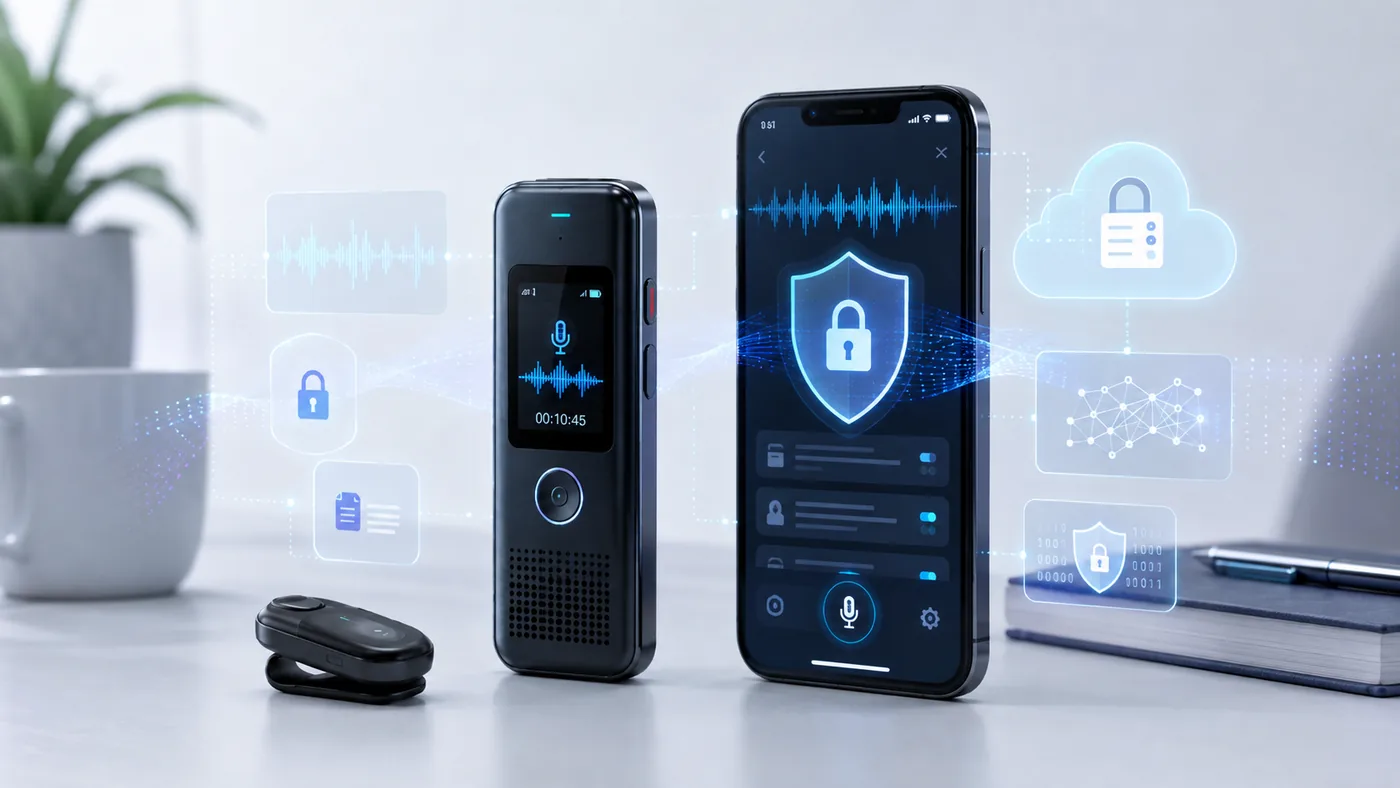
“Where do my recordings go?” is the question AI recorder buyers ask second — right after price — and the one manufacturers answer least clearly. The marketing says “privacy-first recording”; the reality is a split architecture: capture is local on every device we track, and transcription is where your audio leaves.
This page maps that split, device by device, with each claim labeled by evidence tier. We don't do hands-on testing — we read the manufacturers' own support docs, independent reviews, and owner reports, and we tell you which is which. If you're deciding what's legal rather than what's private, that's a different page: our consent-laws guide.
 Privacy architecture
The short answer
iFLYTEK SR302 Pro if audio must never leave · Omi for local on-phone processing · everyone else uploads at transcription
Offline anchor: iFLYTEK SR302 Pro — 5 languages, never phones home
Hybrid: Omi — local by default, cloud optional
Reported: soundcore Work ~12 GB offline model [OWNER, unconfirmed]
Record-only: Any device used without transcribing stays local
The core distinction
Recording is local. Transcription may not be.
Two separate processes get blurred in marketing. Recording — microphone to storage — happens on the device, offline, on every AI recorder we track. Your conversations sit in flash memory, metered by nobody: a 64 GB store holds hundreds of hours, and no subscription is needed to keep recording.
Transcription — audio to text — is the fork. Cloud devices upload the audio file, process it on servers, and return a transcript. Local devices run a smaller model on the hardware itself. From a privacy standpoint, everything that matters happens at this fork: it determines whether your voice ever crosses the internet, whether a company holds your audio even briefly, and whether your archive survives a company's death. The full accuracy/cost side of that fork is covered in local vs cloud transcription, and the pipeline it sits inside is mapped in how AI voice recorders work.
- 100%
- Of tracked devices record locally
- 3
- Devices with genuinely local transcription
- US · DE · JP · SG
- PLAUD's cloud transcription regions [SPEC]
- Dec 2025
- Limitless Pendant discontinued — see below
The map
Device by device: where your audio is processed
| Spec | Device | Recording | Transcription | What we know |
|---|---|---|---|---|
| iFLYTEK SR302 Pro | On device | On device — fully offline | 5 languages, no account, $0 forever [SPEC] | |
| Omi | On device | On your phone (local) or cloud | Unlimited local + 1,200 free cloud min/mo [SPEC] | |
| soundcore Work | On device | Cloud; offline model reported | ~12 GB downloadable model per one Amazon Vine owner [OWNER — unconfirmed] | |
| PLAUD (all) | On device + app by default | Cloud | Servers in US, Germany, Japan, or Singapore by region [SPEC via support docs] | |
| TicNote / Notta / Pocket | On device | Cloud | Standard cloud processing; Pocket's free tier is standard-accuracy cloud [SPEC] | |
| HiDock P1 | On device | Cloud (free unlimited) | Unlimited lifetime cloud transcription included [SPEC] |
Case study
PLAUD in detail, because it's the market leader
PLAUD is the device most readers own or are considering, and its documentation is the most specific in the category — worth reading closely:
- Default storage: recordings stay on the device and the paired app. Cloud storage applies only if you enable Private Cloud Sync [SPEC via support docs].
- Transcription processing: happens on PLAUD servers, and the company's EU privacy-security page specifies regional data centers in the United States, Germany, Japan, and Singapore — your region determines which [SPEC via support docs]. A Japanese owner review independently reported AWS Tokyo storage for Japan accounts, which is consistent [OWNER].
- Retention: with Cloud Sync disabled, PLAUD states no persistent copy of your audio is stored on their servers after transcription [SPEC via support docs]. The transient processing window still means the audio was uploaded — that's the fork, working as described.
- The reviewer's verdict: a third-party review of the Note Pro concluded that “if absolute privacy is crucial, you might need to look elsewhere or stick to local-only recording” [REVIEW — mightygadget].
For sensitive work, the practical takeaway isn't “avoid PLAUD" — it's knowing the architecture: PLAUD offers a record-only mode too. Since recording never requires transcription, you can capture on any cloud device and transcribe selectively — only the files you choose to process ever leave. Devices with bigger free transcription allowances make that discipline harder to keep, which is one honest argument for choosing a metered plan.
The cautionary tale
The Limitless lesson: what happens when the company dies
In December 2025, Limitless stopped selling its $99 pendant — one of the first popular AI recorders — and committed to supporting existing customers “throughout 2026” [SPEC — limitless.ai]. After that window, the cloud service that transcribed everything is expected to end.
What this teaches: your recorder's lifespan is not the hardware's lifespan. A device whose transcription depends on a company's servers has a support-ticket-shaped expiry date. Recording still works — the files are yours — but the “AI” half of the product is rented infrastructure that a shutdown, acquisition, or pivot can turn off. When buyers ask “what happens if the company shuts down?” — the Limitless owners' experience is the answer.
The defensive buyers' moves, in order of effectiveness: prefer devices whose core recording and file export work standalone (all tracked devices pass that bar); prefer local transcription (iFLYTEK) where the whole pipeline survives a corporate event; and keep your audio exported somewhere you control — the strongest subscription-free survivors are rounded up in our no-subscription guide, and the export habits are covered in our exports guide.
The other privacy
Recording other people: the ethics note
Device privacy — where your audio goes — is half the subject. The other half is the people in your recordings, and here the professional consensus is blunt: employment lawyers and workplace-privacy publications now specifically flag discreet AI recorders as a workplace risk, because the same compactness that makes a coin-sized recorder convenient makes covert recording easy [REVIEW — Workplace Privacy Report, Reed Smith, JD Supra, 2025–2026].
- Recording a colleague, client, or patient can implicate consent law — see our consent-laws guide for the one-party vs all-party framework (educational, not legal advice).
- Attorneys' meetings raise privilege concerns when AI tools record them [REVIEW — Duane Morris, Feb 2026].
- Employees are actively researching how to refuse colleagues' AI note-takers — the people being recorded are part of this market too [OWNER — r/privacy].
Our stance, which shapes every guide on this site: disclosure is the durable strategy. A visible recorder and a sentence of consent protects you legally and produces better meetings than discovery later.
FAQ