On this page
The first question buyers ask is about microphones and minutes. The question that decides whether a recorder survives month three is quieter: where do the transcripts go? A transcript trapped in a vendor's app is a liability; a transcript that flows into your notes, your CRM, or your LLM of choice is an asset. Owner threads tell the story — including the grumbles:
“Anyone else struggling to connect PLAUD notes with ChatGPT.” — thread title.
This page maps the verified export and integration surface of every major device, then covers the do-it-yourself pipeline (export → Obsidian/Notion → LLM) that the most serious owners run. As always: [SPEC] manufacturer pages, [REVIEW] third-party, [OWNER] owner reports; nothing here implies we've hands-on-tested these flows.
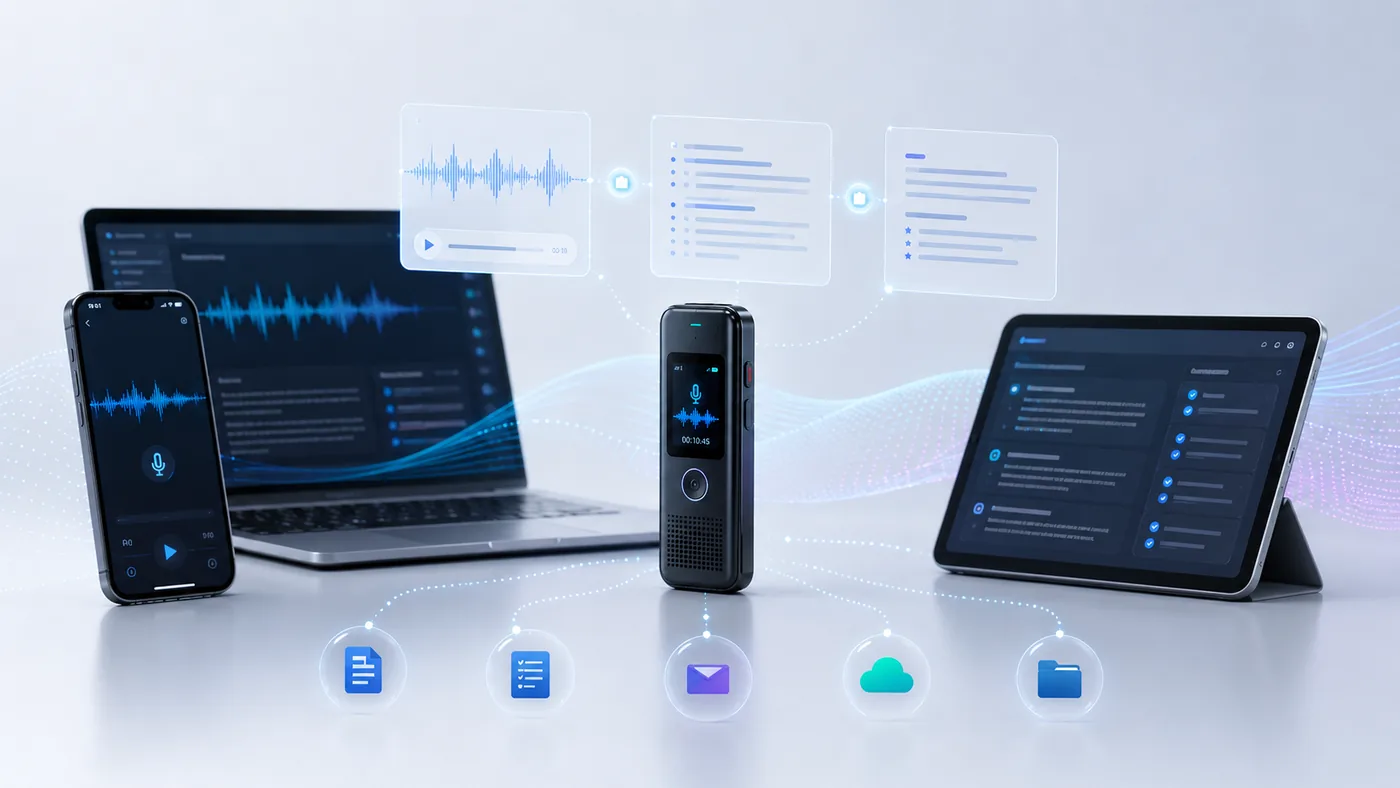 Export workflow
The short answer
PLAUD has the deepest export story in the category · Omi is the open frontier · everyone else exports files
Native integrations: PLAUD — Notion, Zapier, Dropbox, MCP [SPEC]
CRM route: Notta Business — Salesforce + Google Calendar [SPEC]
Open-source: Omi — SDK, self-hostable apps [SPEC]
Plain files: Everyone else — timestamps + speaker labels, DIY pipeline
The leader
What PLAUD exports (and what's still unverified)
The verified surface, per PLAUD's own documentation and owner reports:
- Native Notion export — recordings/transcripts can flow to Notion automatically, documented in PLAUD's how-to [SPEC].
- Zapier automations — PLAUD appears as a Zapier app with Notion and Zoom automations, enabling no-code routing into hundreds of other tools [SPEC].
- Dropbox workflows — the classic owner pipeline routes audio and transcripts through Dropbox folders [OWNER].
- Transcript export with timestamps and speaker labels — optional in the export flow per the support portal's export guide [SPEC].
One more honest limit worth knowing: the AI-processed layers — “Ask Plaud” summaries, structured outputs — live in PLAUD's app and cloud, and export as whatever PLAUD's app gives you, not as raw API access. Owners who want full control over the LLM step tend to export transcripts and run their own models (the build-your-own section below, or the local vs cloud comparison).
The 2026 addition
The ChatGPT / MCP route
The most interesting recent addition is PLAUD's MCP server — Model Context Protocol, the standard that lets AI assistants reach outside themselves. Configured once, it lets ChatGPT pull your PLAUD transcripts directly, so you can ask questions about your own recorded meetings inside a chat session [SPEC, with owner reports corroborating the setup].
Why it matters: it inverts the integration problem. Instead of PLAUD building one-by-one exports to every tool, your LLM reaches into PLAUD. The Reddit thread above — owners struggling to connect PLAUD notes with ChatGPT — is exactly the friction MCP dissolves, and it's the direction the whole category is heading (Vocci advertises ChatGPT/Claude integrations on the same premise [SPEC]). The subscription angle: AI features generally ride the paid tiers, so budget accordingly via the subscriptions comparison.
The field
Integrations by device
| Spec | PLAUD Note | Notta Memo | Omi | Vocci Ring | HiDock P1 | Smart Recorder SR302 Pro |
|---|---|---|---|---|---|---|
| Hardware price | $129–$159 | $149 | $179 | $249–$299 | $169 | $128–$249 |
| Native integrations | Notion, ChatGPT (MCP server), Zapier | Notion, Google Calendar, Salesforce | Open-source app/SDK ecosystem | ChatGPT, Claude [SPEC] | HiNotes ecosystem | File transfer to PC |
| Transcript export options | Timestamps + speaker labels; format list pending portal verification [SPEC] | Via Notta platform (web workspace) | Open-source apps — whatever you build | Vendor-app summaries to ChatGPT/Claude [SPEC] | HiNotes ecosystem | File transfer to PC [SPEC] |
| Automation | Zapier + Dropbox + Notion [SPEC] | Zapier via Notta platform ecosystem | SDK / self-hosted | Not documented | Not documented | None needed — offline |
Read that table as a spectrum: PLAUD is turnkey, Omi is Lego, and the middle of the field is file-export-land. None of these paths is wrong — the right one depends on whether you want to configure nothing, everything, or exactly one thing. For the platform prerequisites behind any export flow, see the compatibility hub; for what to do with meetings before they're transcripts, the meetings-app guide.
The power-user path
Build your own workflow: export → Obsidian/Notion → LLM
The most instructive thread in our research is an r/PlaudNoteUsers owner describing their filing pipeline, step by step: If integrations are the deciding factor for you, our alternatives guide ranks the ecosystem options.
Recorded on PLAUD → Exported to DropBox → Transcribed → Summarized → Output into Notion.
That five-step skeleton generalizes to nearly every device on the market, and it's worth writing down as a pattern:
- Capture on the device (works offline, unmetered — recording never costs minutes; see the recording-vs-transcription split).
- Export the transcript to a folder your tools can watch — Dropbox for PLAUD, file transfer for iFLYTEK, whatever your device allows. Prefer formats with timestamps and speaker labels when offered.
- Land it in your notes system — Obsidian's folder-based vault watches a directory natively; Notion takes PLAUD's native export or a Zapier automation; anything else accepts a file.
- Let your LLM do the thinking — point ChatGPT (via PLAUD's MCP server if you're on PLAUD, or file upload otherwise), Claude, or a local model at the transcript for summaries, action items, and Q&A. This is the step owners report outperforming built-in summaries: one r/PlaudNoteUsers thread is literally titled “Summaries better in ChatGPT than the Plaud App” [OWNER].
FAQ